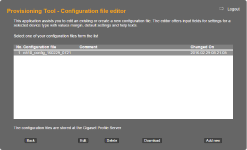
Provisioning create XML file via Online Tool
Introduction
Gigaset offers an Online tool to create the XML auto provisioning files for the different devices.
The access to this tool is the same like our redirect server.
https://prov.gigaset.net/Editor/#loginPage
The Login user name and password is provided by Gigaset.
Create Configuration file
Create Configuration file.
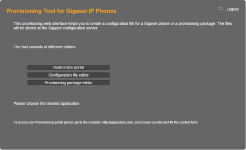
Select the option Configuration file editor.
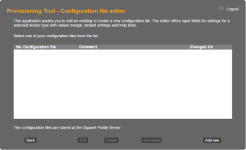
Click on Add new to create a new configuration file.
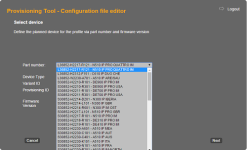
Select your device and the Firmware version.
Select the parameter(s) you would like to change and the value.
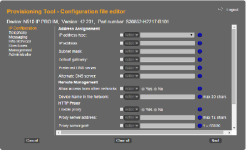
When done, enter the File name. (No capital letters are allowed)
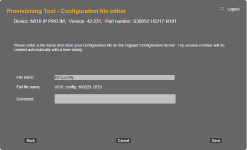
When you download the configuration file, it will be a zip file containing the xml file you created.