FAQ 3CX ( local PBX) - Auto-provisioning P710/P810(B)/P82x/P85x(B)W
- Provisioning template
- Latest updates2025/07/21 00:00 :
- 2025/06/24 00:00 :
- Supported devices: P710 / P810(B) / P82x / P85x(B)W
- In the 3CX web-interface go to: Advanced - Templates - Add and upload the above template.
- Give the template a name example: "gigaset.desktop"
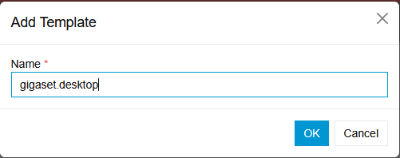
The template is now available under custom templates
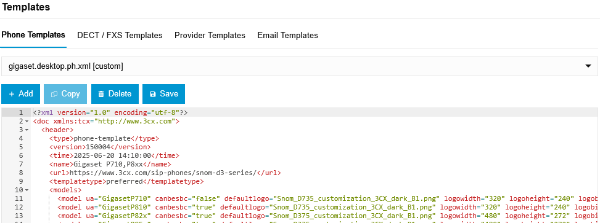
Select the user in the 3CX web-interface
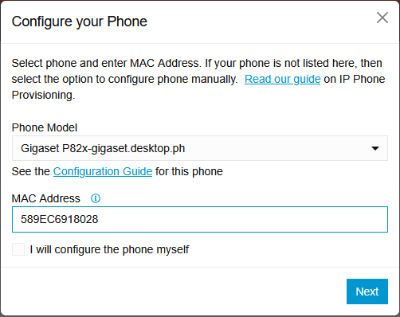
Go to IP Phone and click Configure a Phone

Select your phone
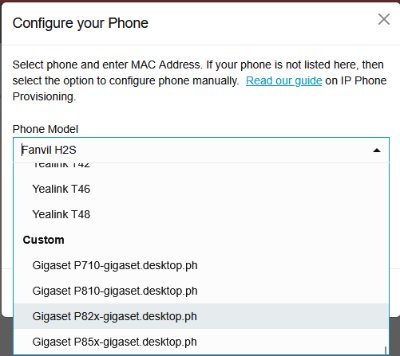
Enter the MAC Address of your device
Click on Next
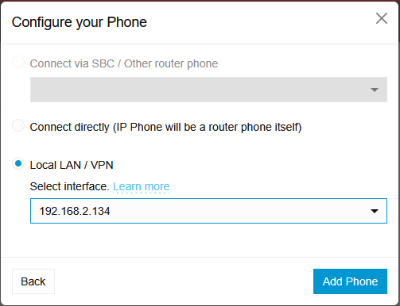
Select the interface of your PBX
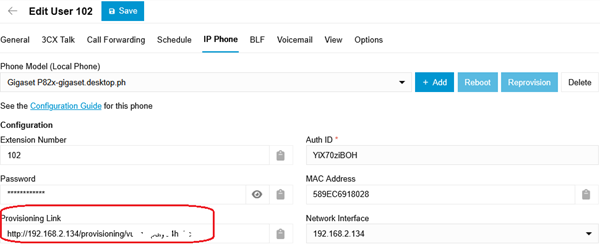
Copy the provisioning link
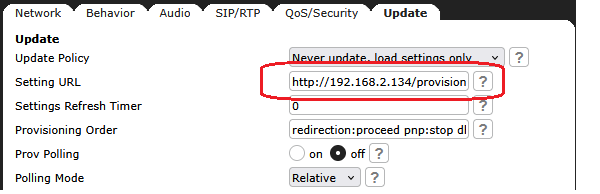
Open the web-interface of your desktop phone
Past the above link in the Setting URL field
You need to add behind the URL /cfg{mac} !!!
<copied URL>/cfg{mac}
Do not forget to save the setting
On you phone start provisioning: Settings → 5 → 4 → OK OR reboot your phone