FAQ - Internal telephony how to enable
Valid for: | N530 | N610 | N670 |
|
|
|
|
|
Introduction
The Internal telephony role is enabled via the web-interface.
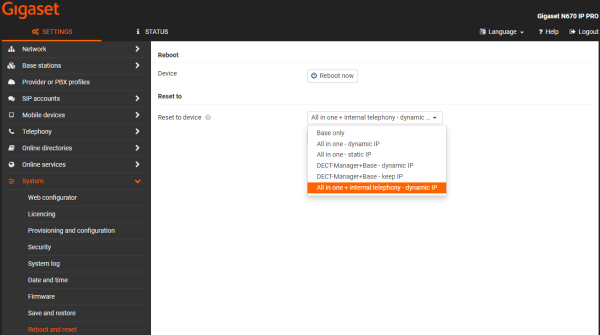
Go to: SETTINGS - System - Reboot and reset and select All in one + internal telephony - dynamic IP
First time login - role change
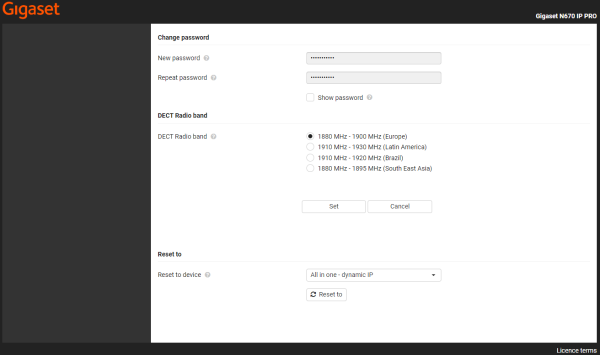
The role change is also offered when the device is the first time configured, where you need to configure the admin password and DECT radio band.
Press Set to store the admin password and DECT radioband.