FAQ 3CX - Company Phonebook
3CX includes a company phonebook where you can save contacts for company-wide access. This company phonebook is synced with the phonebooks of IP Phones as well as the 3CX apps.
Tested with: 3CX, local PBX Version 20.0 Update 6 (Build 724 Release) - Gigaset P710 / P810(B) / P82x / P85x(B)W
The phonebook is without user interaction automatically updated once a day and when provisioning is started.
Phonebook
You can open the 3CX phonebook via:
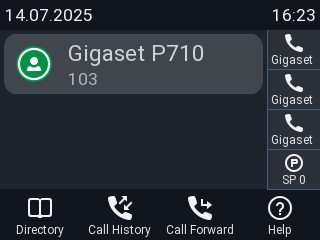
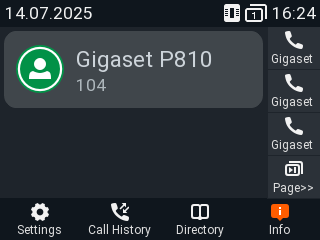
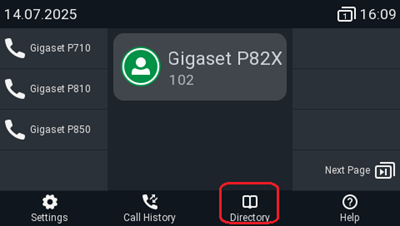
- Context-sensitive, programmable function symbols and function key
- Dedicated Directory key
 . P710 and P85X(B)W only
P710
P810(B)
P82X
P85X(B)W
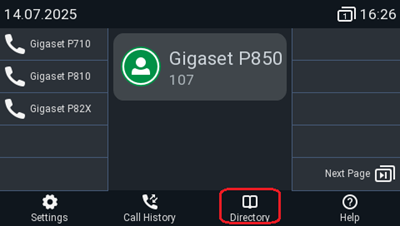
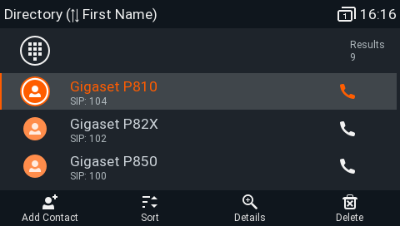
Press the directory key to open the Company phonebook
Select the user
Lift handset or press the center key to start a call