

FAQ Desktop - user_realname
Description
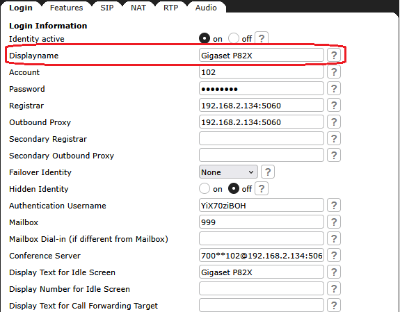
Set the name you would like to associate with each line, e.g. “John Smith”. This information is also sent out to any party you are calling. Only the first 50 characters are used (when entering more than 50 characters).
Web User Interface
Setup - Identity  - Login Information (Section): Displayname
Phone User Interface
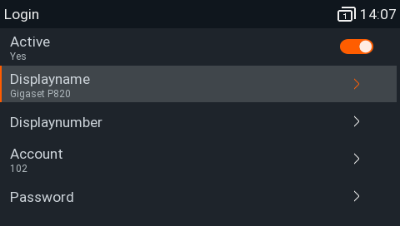
Press: Settings - Identity - Edit Identity - Edit Identity - Displayname
Auto-provisioning
Parameter | Description |
|---|---|
<user_realname idx="INDEX" perm="PERMISSIONFLAG">VALIDVALUE</user_realname> | e.g. <Jim Testa> |