

FAQ Desktop - using_server_managed_dnd
Description
If enabled, the SIP server manages Do Not Disturb (DND) for this SIP account (identity), i.e. the feature activation/deactivation is done via the management console of the SIP server.
Web User Interface
Identity → Features (Tab) → Server Managed(Section): DND

Phone User Interface
press Settings - Call Features - Incoming Calls - Do Not Disturb
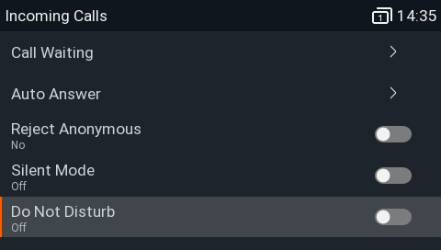
Example: Do Not Disturb - On
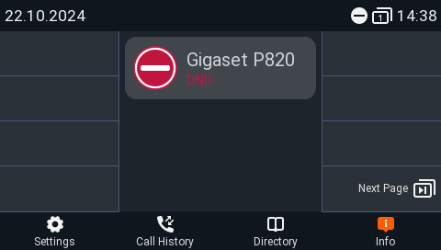
Cisco Broadworks
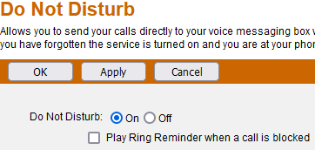
In the Broadworks web-interface you have the setting: User →Incoming Calls - Do Not Disturb

If you enable/disable this in the Broadworks web-interface, you will see the change on the phone.
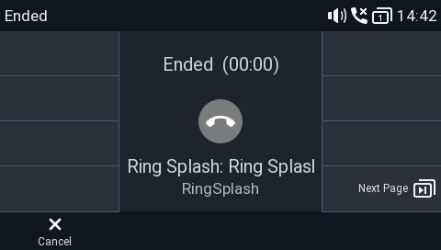
Play Ring Reminder when a call, if enabled will play a short Ring Splash when an incoming call is received.
Auto-provisioning
Parameter | Description |
|---|---|
<using_server_managed_dnd idx="1" perm="">on</using_server_managed_dnd> |
|