

FAQ Desktop - xsi_caller_id_blocking
Description
When enabled, the Outgoing Caller ID Blocking will be managed on server side through the use of XSI, otherwise it will be managed locally.
Web User Interface
Identity -> Features (Tab) -> BroadWorks Features: (Section) -> Caller ID Blocking

Example: how to configure a softkey with this Broadworks feature.

Phone User Interface
press "Settings" - Call Features - Outgoing Calls - Caller ID Blocking
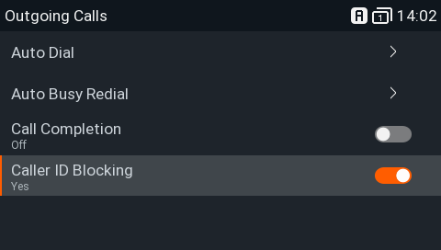
Example: Broadworks: Line ID blocking - Off
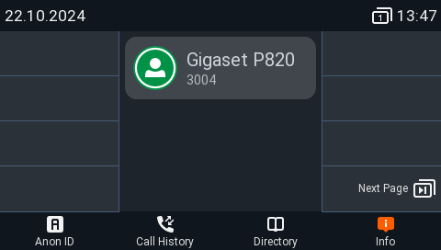
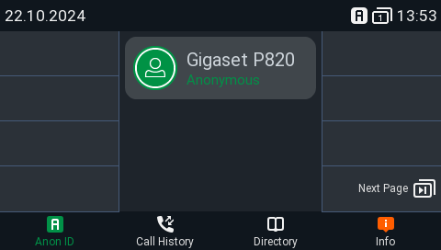
When activating: Line ID Blocking - On
- You will see this on the Display of the device
- You can see this in the Broadworks web-interface
Cisco Broadworks
In the Broadworks web-interface you have the setting: User → Outgoing calls → Line ID Blocking

If you enable/disable this in the Broadworks web-interface, it depends on the setting: XSI Action Polling Interval (s)  when you see the change on the phone.
Auto-provisioning
Parameter | Description |
|---|---|
xsi_caller_id_blocking |
|