

FAQ - Auto provisioning: Via web-interface
Valid for: | N530 | N610 | N670 | N770 | N870 | N870E | Embedded Integrator | Virtual Integrator |
Introduction
It is possible to start auto-provisioning without using an HTTP(S) server.
Create your provisioning file and store it on your PC.
- In the web-interface go to: SETTINGS - System - provisioning and Configuration.
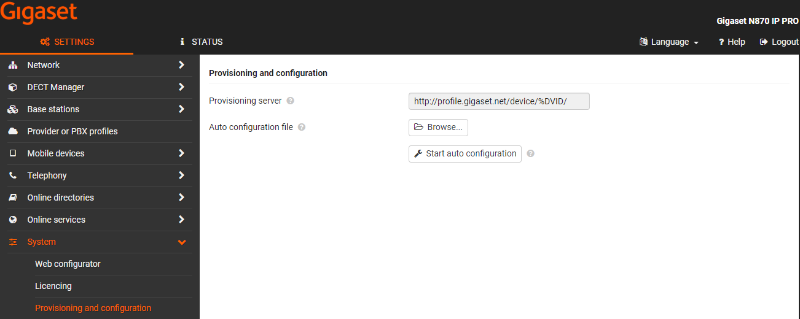
- Click on Browse and select the provisioning file on your PC.
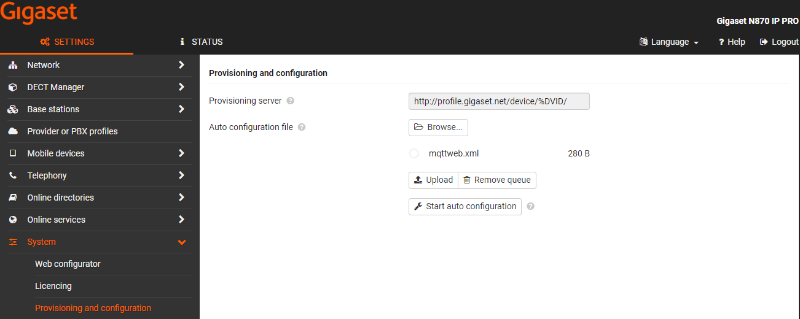
- Click on Upload
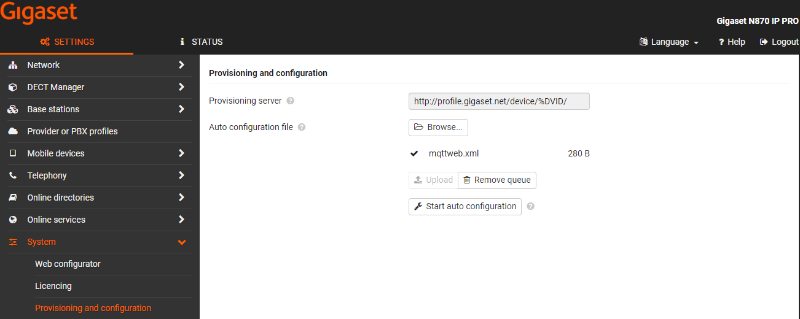
- Click on Start auto provisioning